
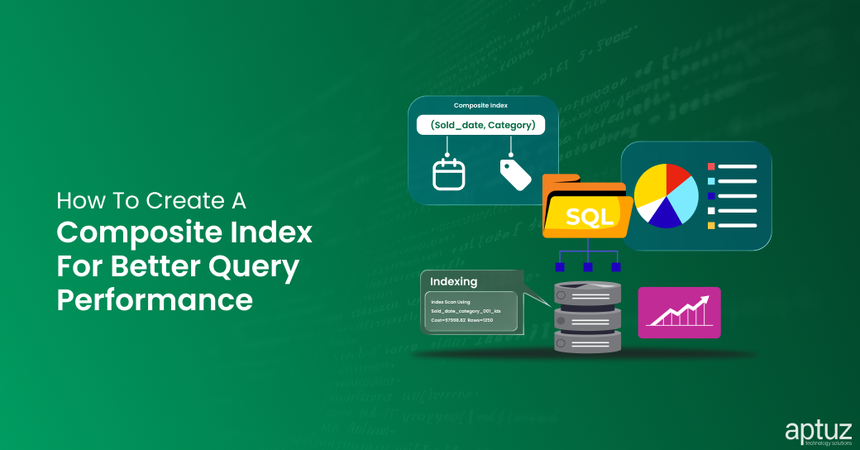
Slow database queries can affect application performance. A well-designed composite index can help improve query performance when multiple columns are used to filter data.
When creating a composite index, it is important to understand three key considerations:
- Frequently filtered columns: Identify the columns commonly used in queries.
- Column order: Understand how the order of columns affects index usage.
- Selectivity: Evaluate how effectively column values narrow down the result set.
We will also compare query execution times before and after creating a composite index using a practical SQL example.
Identify Frequently Filtered Columns
Before creating a composite index, it is important to identify the columns that are frequently used to retrieve data.
You can do this by reviewing the queries executed against a table and identifying the columns commonly used in their filtering conditions.
Let's consider the following two queries:
SELECT *
FROM sales
WHERE sold_date = '31/01/2026'
  AND category = 'Clothing';

SELECT *
FROM sales
WHERE sold_date = '31/01/2026';
In these examples, sold_date is used in both queries, while category is used only in the first query. These recurring filtering patterns help us identify the columns to consider when creating a composite index.
Determine the Order of Columns in a Composite Index
After identifying the frequently filtered columns, the next step is to determine their order in the composite index.
In our example, sold_date is used in both queries, while category is used only in the first query.
Therefore, we can create a composite index on (sold_date, category) to support both query patterns.
If we create an index on (category, sold_date), the database may not be able to use it as effectively for the second query because that query filters only by sold_date.
By placing sold_date first, the index can support queries that filter by sold_date alone as well as queries that filter by both sold_date and category
Understand Column Selectivity
Selectivity refers to how effectively a column's values narrow down the number of rows returned by a query. Columns that identify a smaller subset of records can often help the database retrieve relevant data more efficiently.
In our example, sold_date contains different date values, while category may contain a smaller number of distinct values shared by many records.
When a query filters using a column that matches a large proportion of the table, the database may choose a sequential scan instead of an index scan. This is because scanning the table can sometimes be more efficient than accessing a large number of rows through an index.
For this reason, selectivity is an important factor to consider when designing a composite index.
Example:
Compare Query Performance Before and After Indexing
Let's compare the execution times of both queries before and after creating the composite index.
Before Indexing
| Query | Scan Type | Execution Time |
|---|---|---|
| Query 1 | Sequential Scan | 1.8 seconds |
| Query 2 | Sequential Scan | 1.6 seconds |
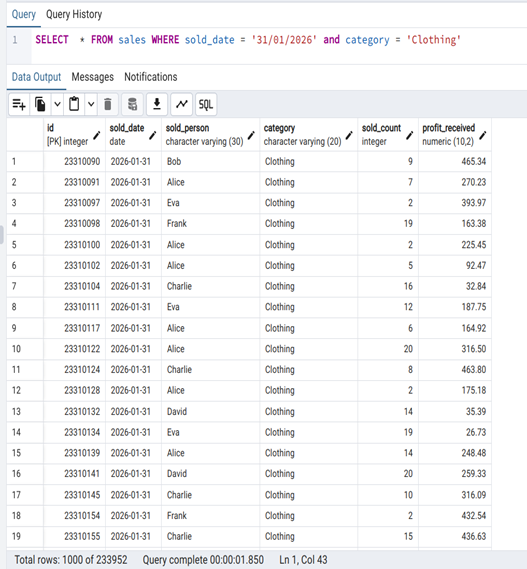
Query 1 Before Indexing
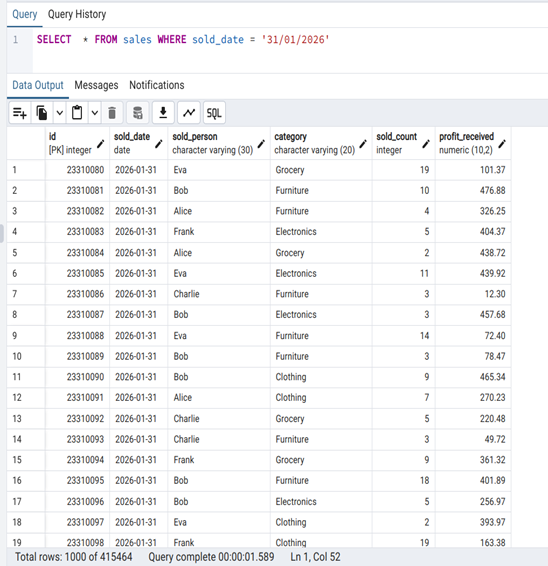
Query 2 Before Indexing
We will now create an index scan and will observe the differences
CREATE INDEX sold_date_category_001_idx
ON sales (sold_date, category);
After Indexing
| Query | Scan Type | Execution Time |
|---|---|---|
| Query 1 | Index Scan | 0.4 seconds |
| Query 2 | Index Scan | 0.6 seconds |
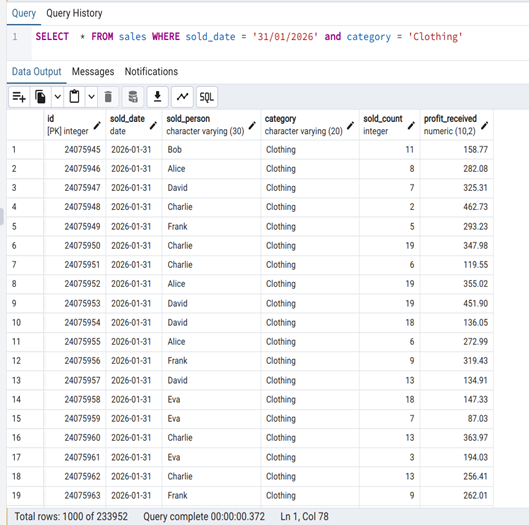
Query 1 After Indexing
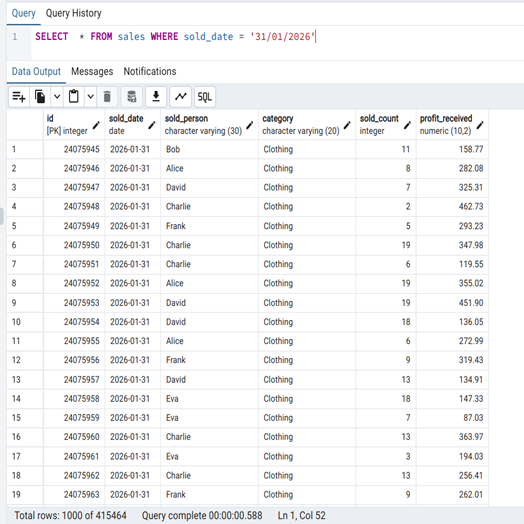
Query 2 After Indexing
The results show lower execution times for both queries after indexing in this example.
Key Takeaway's
Creating an efficient composite index requires understanding how your application retrieves data. Before creating an index, consider these three factors:
- Frequently filtered columns: Identify the columns commonly used in your queries.
- Column order: Choose an order that supports the query patterns you need to optimize.
- Selectivity: Consider how effectively column values narrow down the result set.